
 thinkspace
Ask Steve anywhere. Watch it get made here.
Every text or call to Steve opens a relay chat, live in your thinkspace. thinkspace is the live workspace where Steve builds what you ask for. Text him, message him on WhatsApp or iMessage, call him, or type on thinkjoin.com. He sends you one link, and there you watch every step, see every file land in its folder, and talk back: reply, circle, draw, or just say it.
One thinkjoin account opens everything on this page. Your thinkspace is sign-in only.
One name, one Steve, all the way around
Everything you use, connected to one place.
One thinkjoin username works everywhere: your thinkspace, your Library, your hives and the thinkchat forum. Ask Steve on any channel and the work lands in the same thinkspace, with the same projects and the same files.
1You ask
2Steve makes it
3You watch it here
4Then it goes
 WhatsAppMessage Steve
 iMessageFrom your iPhone
 Text and callAny phone
 SteveSame brain on every channelthinkspacethinkspace.place/yourname
 LibraryFinals come home

 thinkhiveShare with your team

 thinkchatPost to the forum












A verified number joins your texts to your account, so it is always the same you.
Watch it get made
Every step, as Steve takes it.
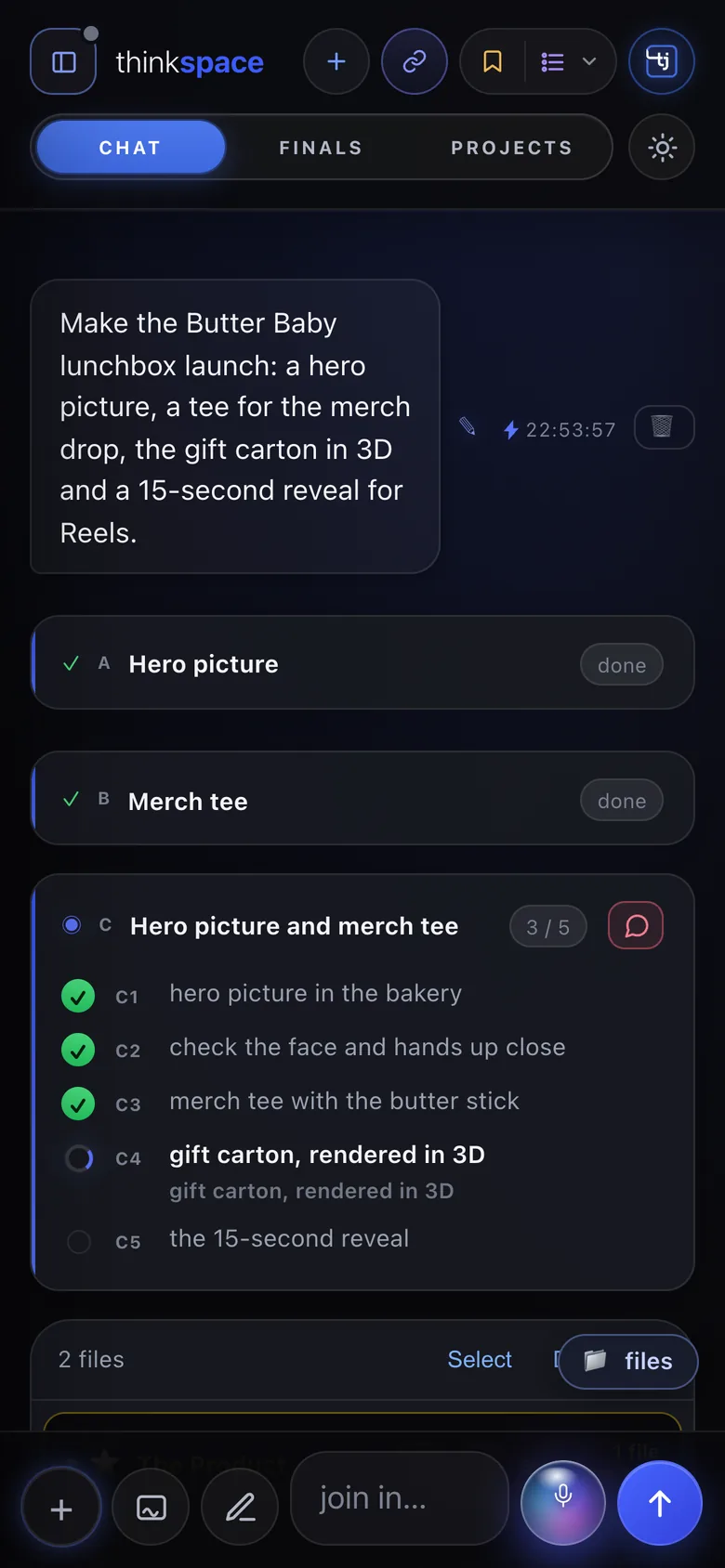
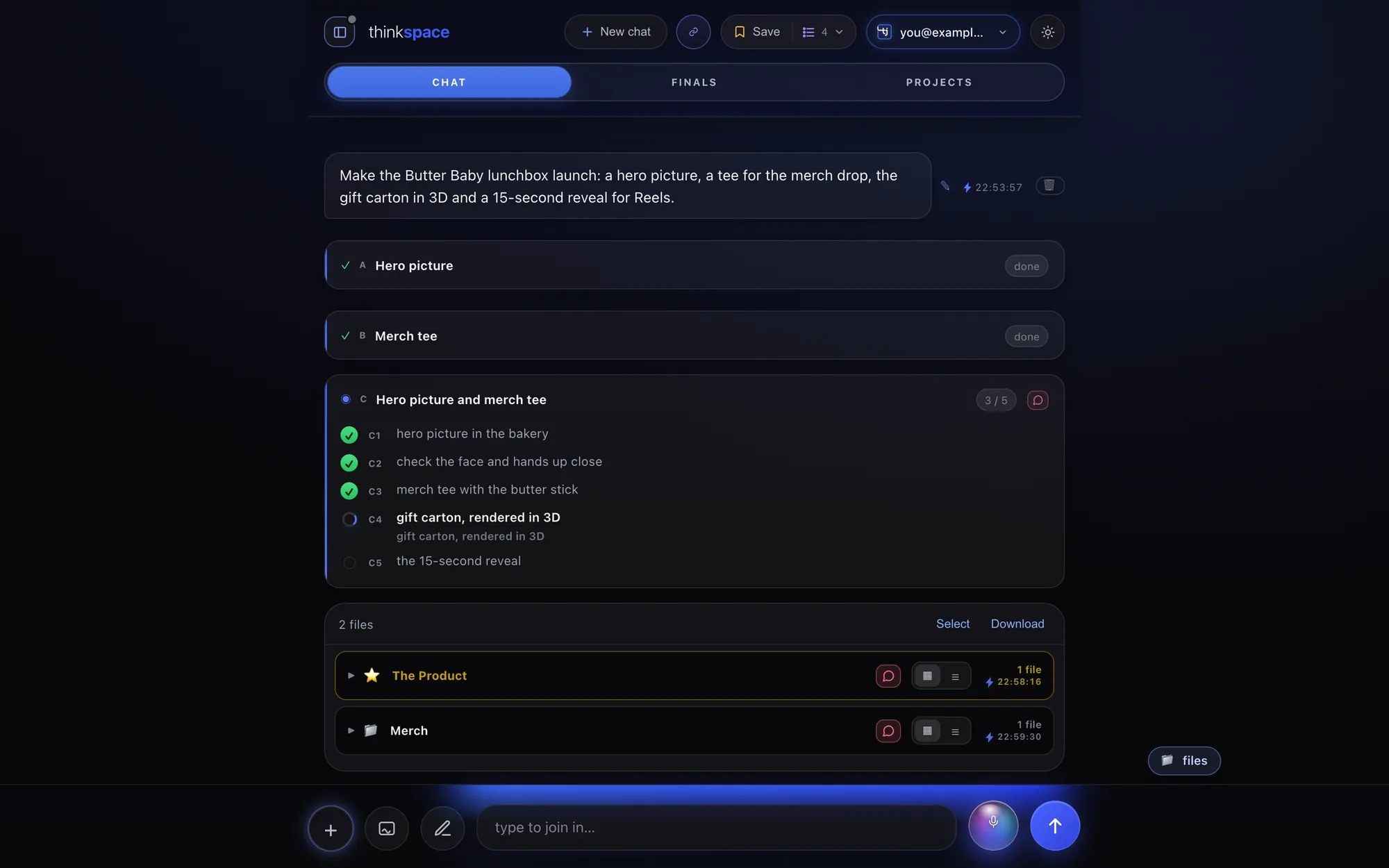
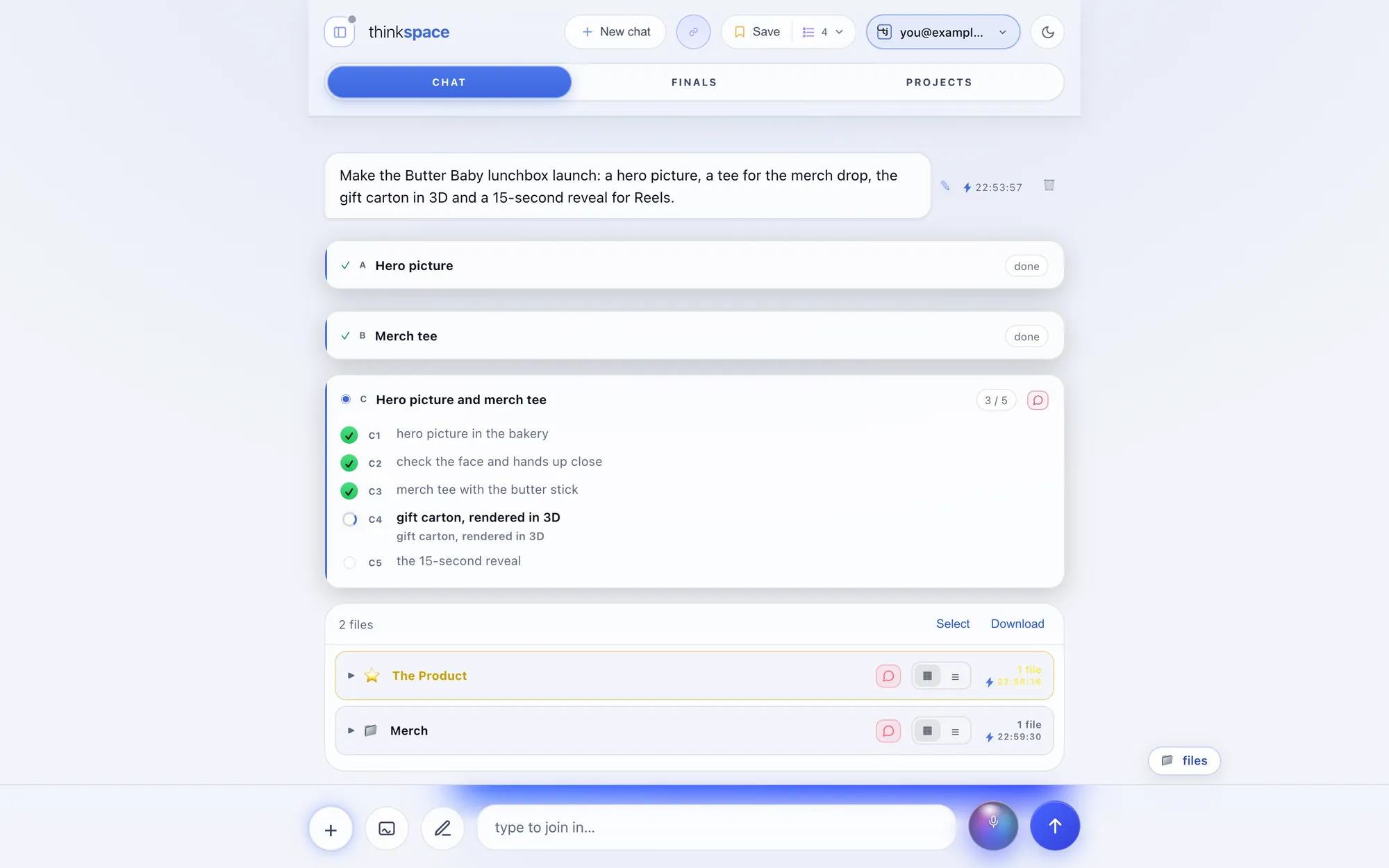
No black box and no waiting in the dark. The moment you ask, Steve lays out the plan, and you watch each part tick off as he works.
- The missionWhat he's making, in phases, with the one he's on now.
- The planEvery part he'll make, ticking off live.
- The checks"Double-checking the work so far", then "checked ✓ — moving on".
- Plain wordsThe cards speak like a person, never like a machine.
Talk back, any way you like
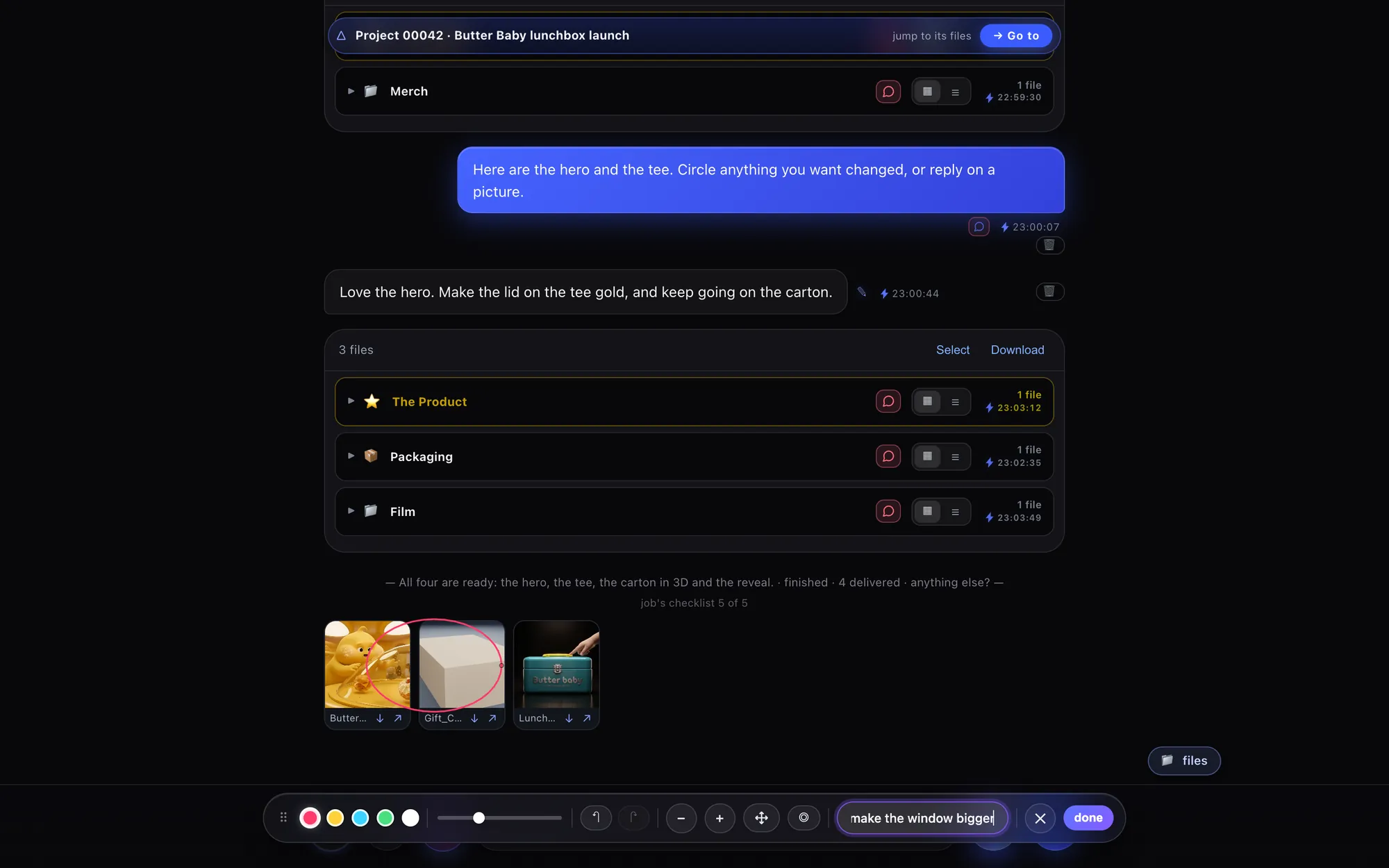
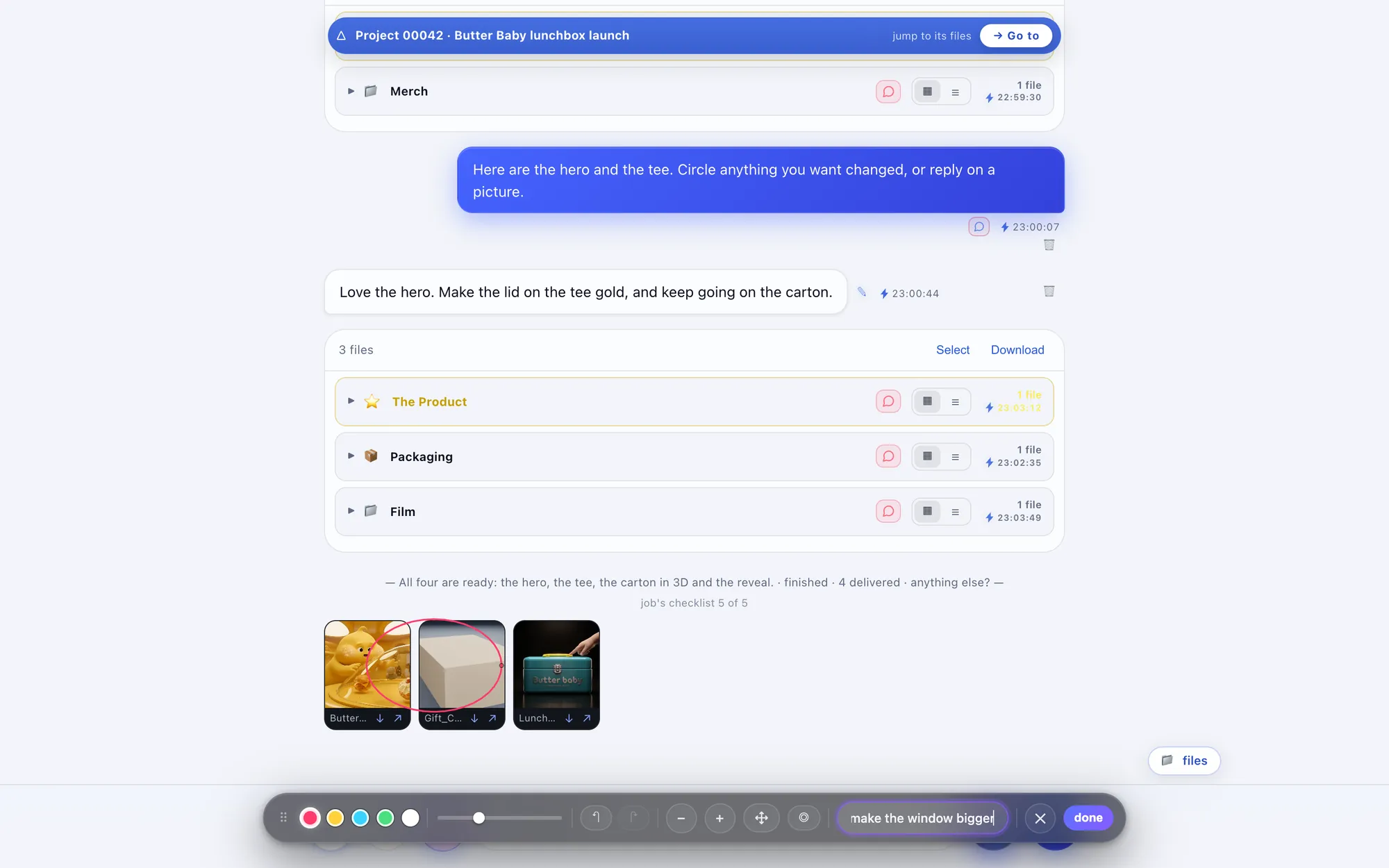
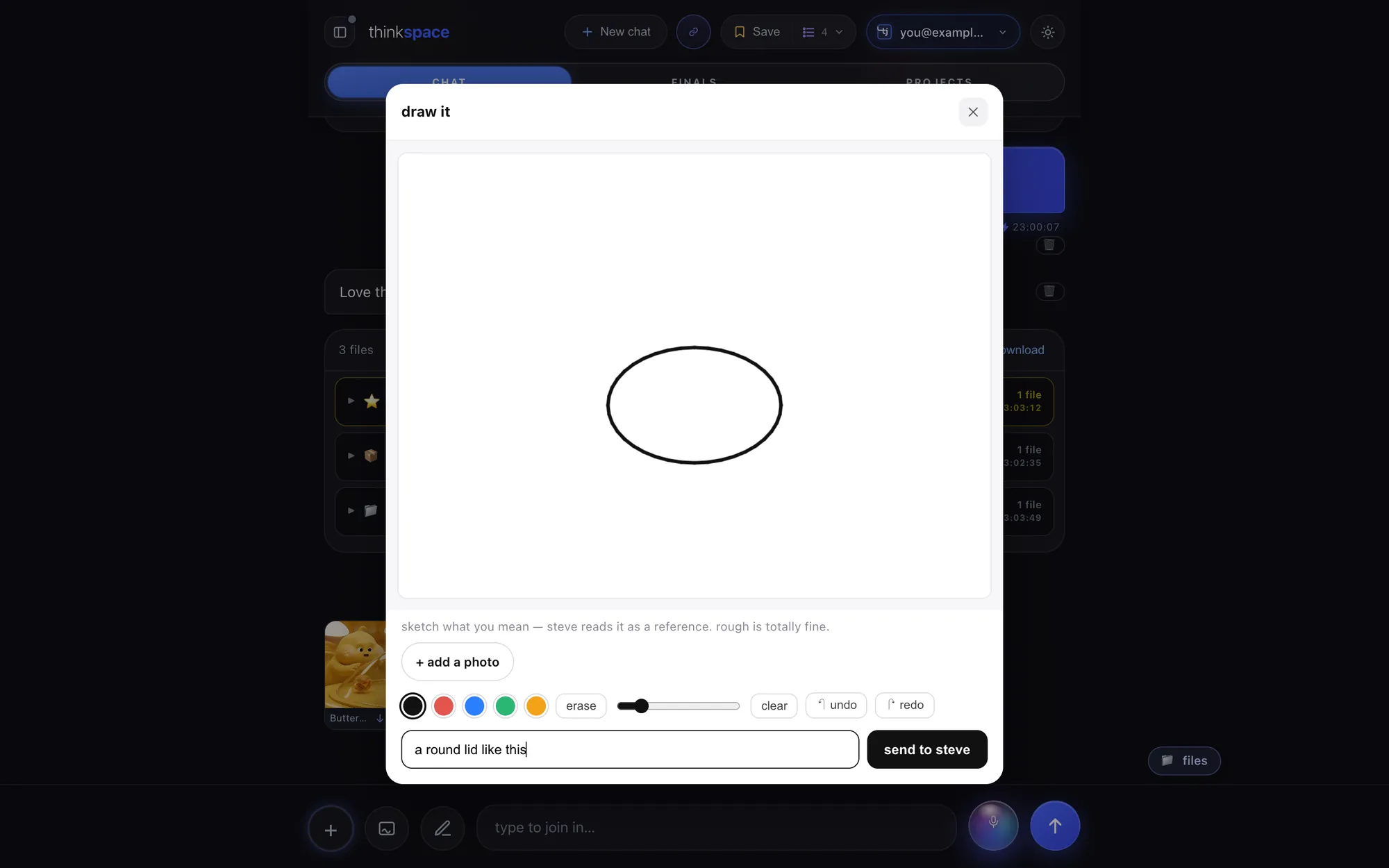
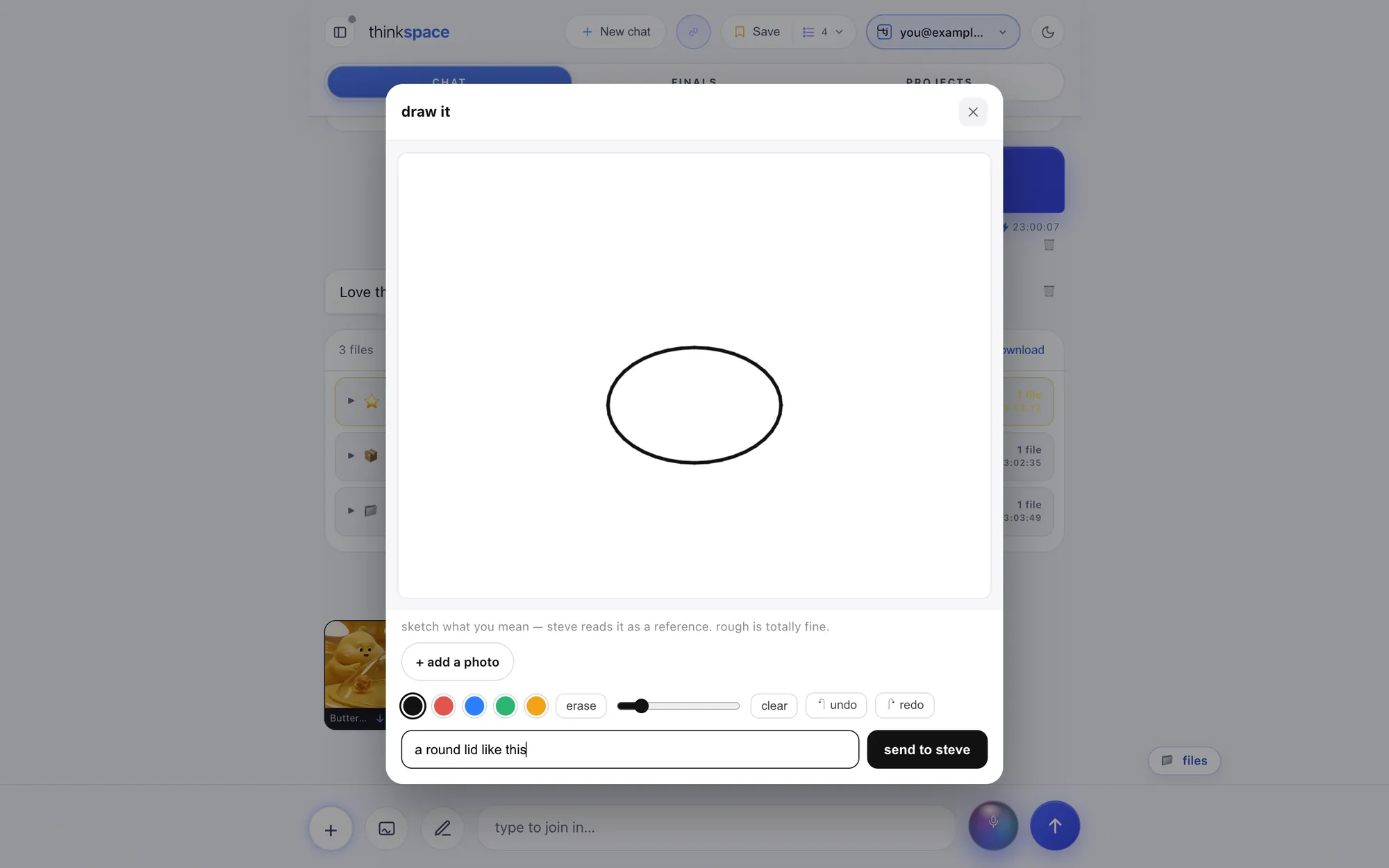
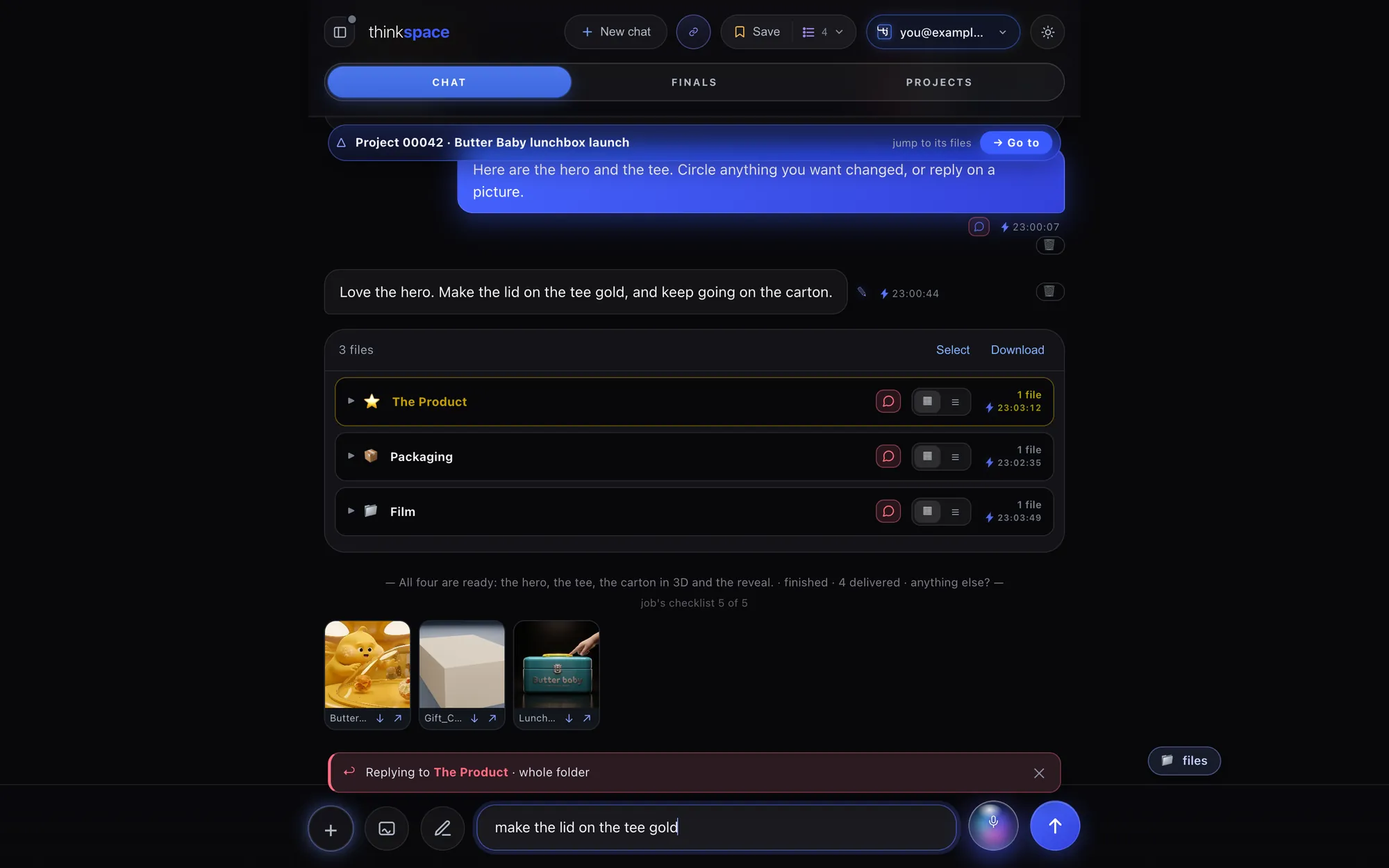
Circle it. Sketch it. Reply to it. Or just say it.
However you'd explain it to a person standing next to you, Steve gets it.


Organised for you
Every file, already in its place.
Steve files everything as he makes it, and nothing of yours is ever moved or renamed.
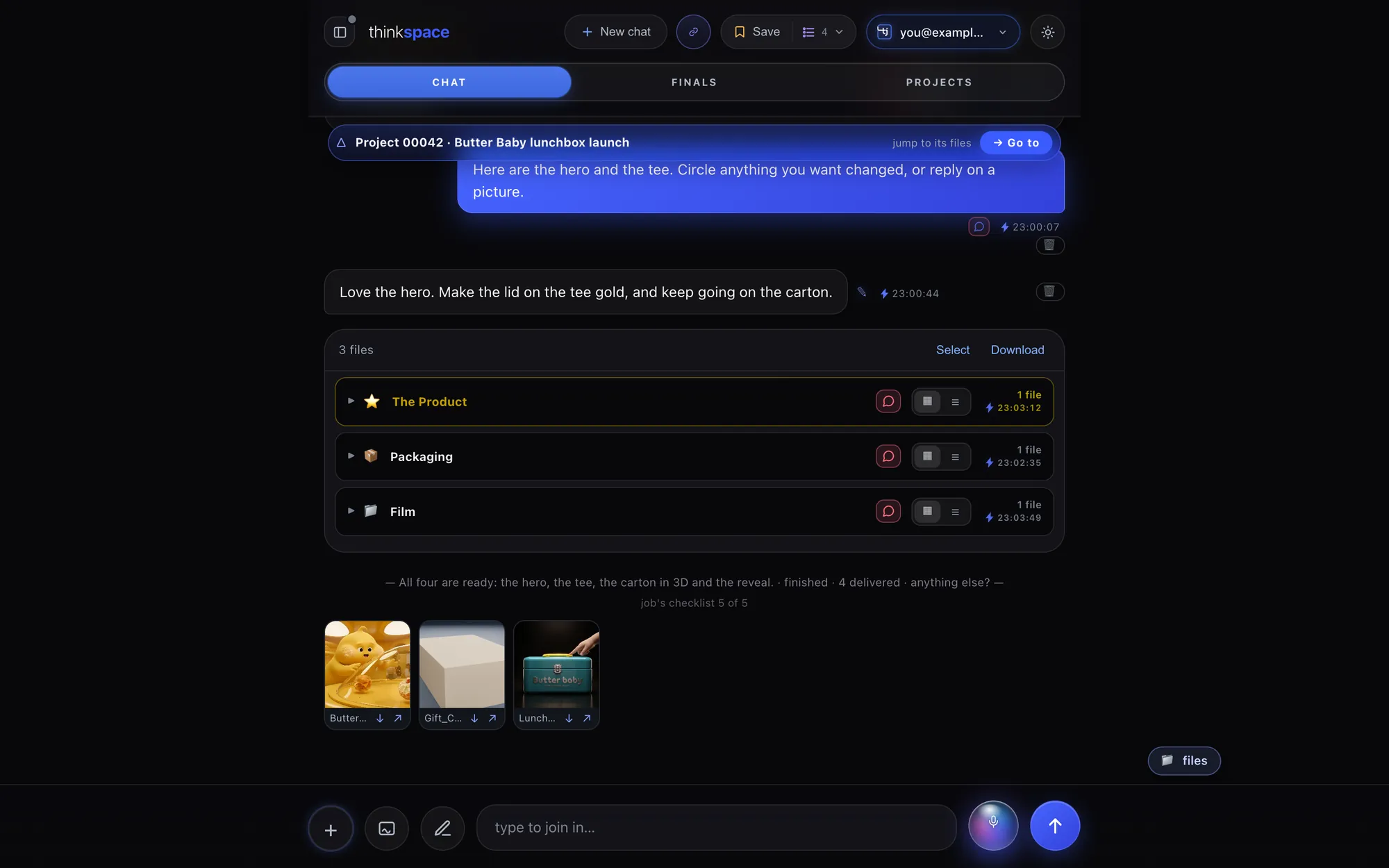
- Named projectsEach one gets a permanent number and a nickname, like Project 00042 · Butter Baby lunchbox launch.
- Thirteen foldersOne set of folders for every kind of file, shown only when they hold something.
- Newest firstProjects and files in the order they changed. Follow-ups join their project.
- Take it with youSelect tiles and download them, or open any file straight in its studio.


Projects: every project and deliverable in the workspace, and a search across every file.
Finals
The one that counts, for every project.
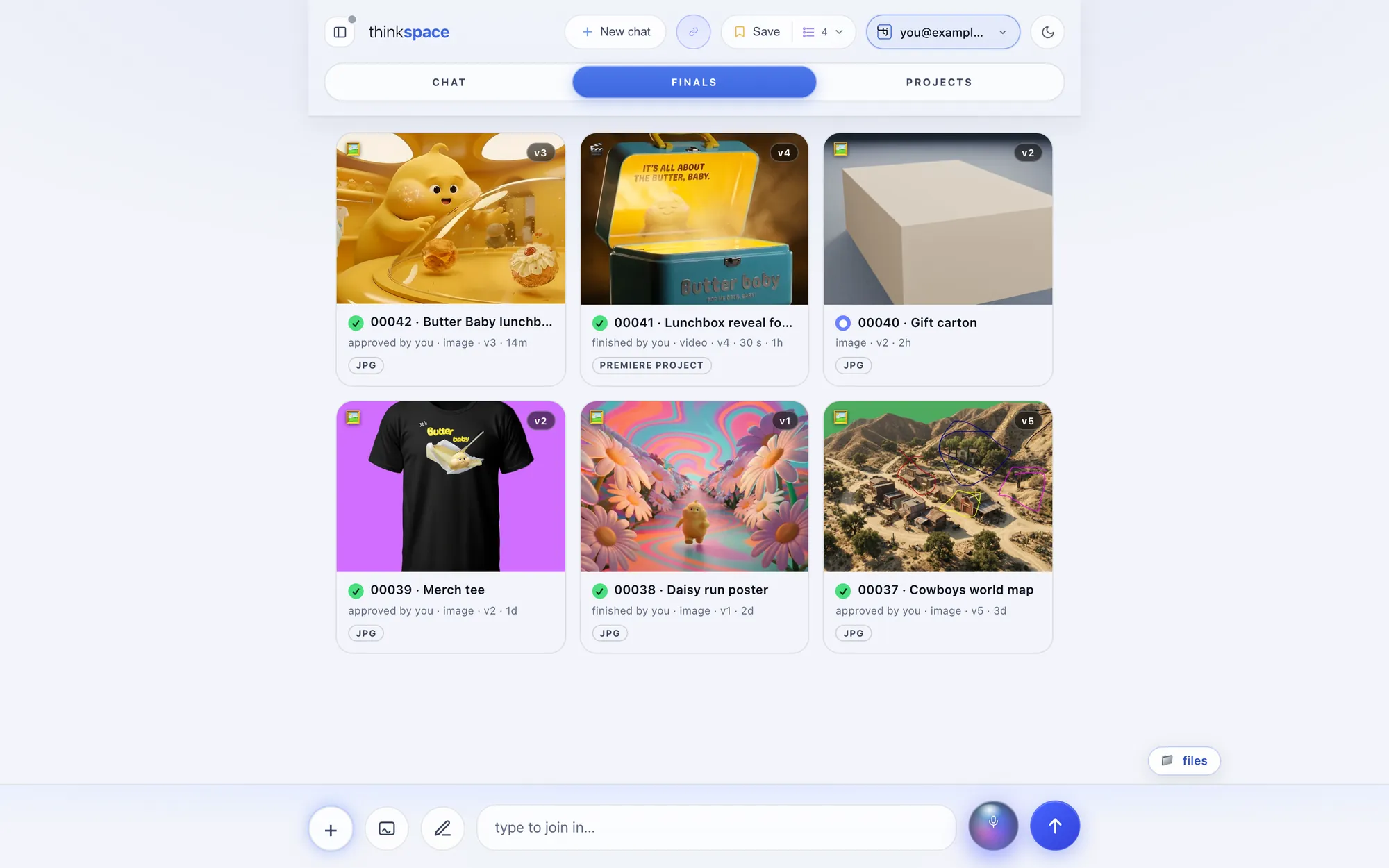
Finals puts the final of every project in one place. A green check says approved or finished, a blue dot says Steve is still working, and every final shows its version. A film arrives with its Premiere project beside it.
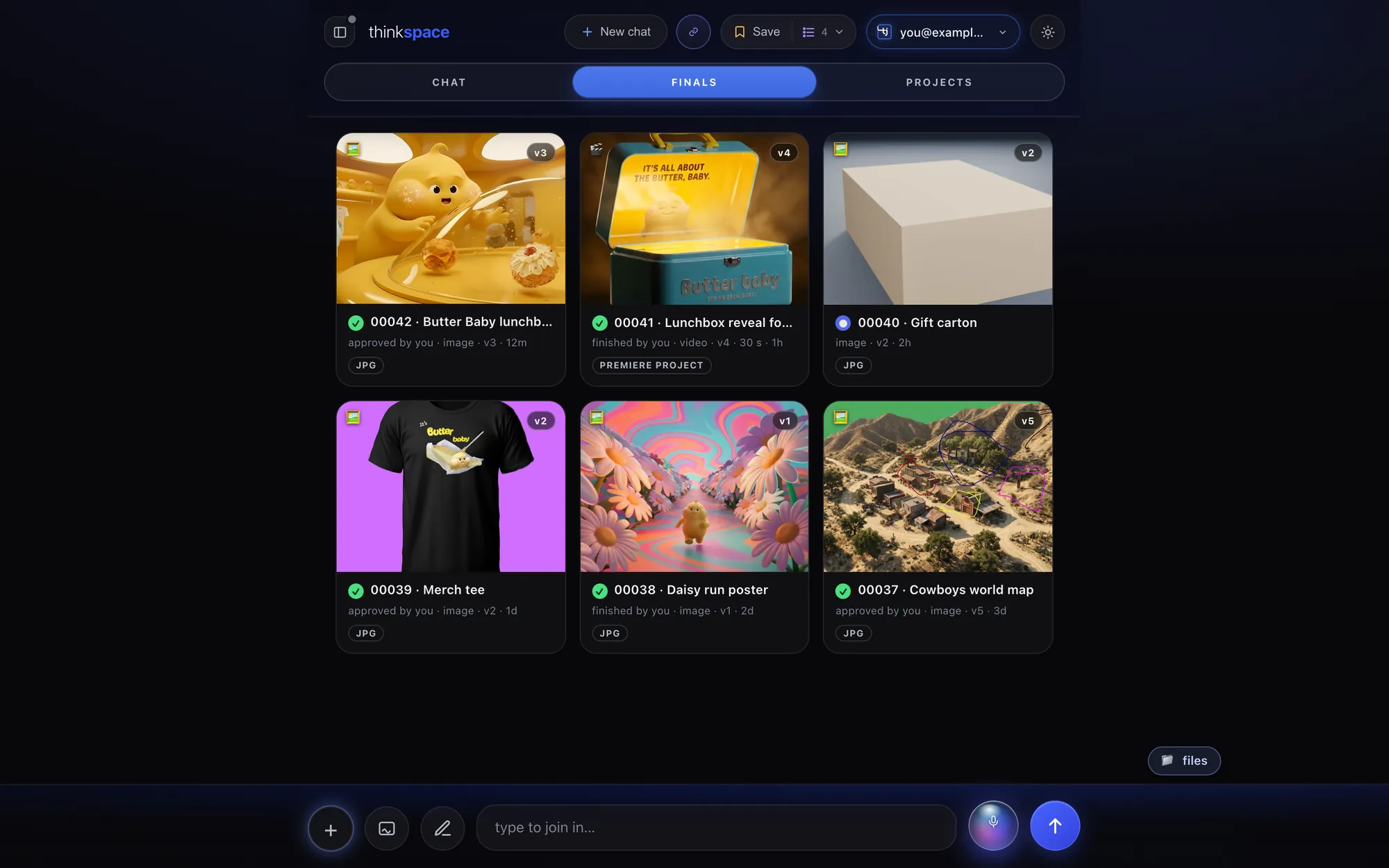
Approve it
Mark the final approved, or finished, so Steve knows it's done and stops polishing.
Pick a different one
Any earlier version can become the final, and the newest version can come back as the main card.
Star what you love
A star adds anything to Finals, and every saved session stays a tap away.
Every studio, one door
Open any file in the studio made for it.
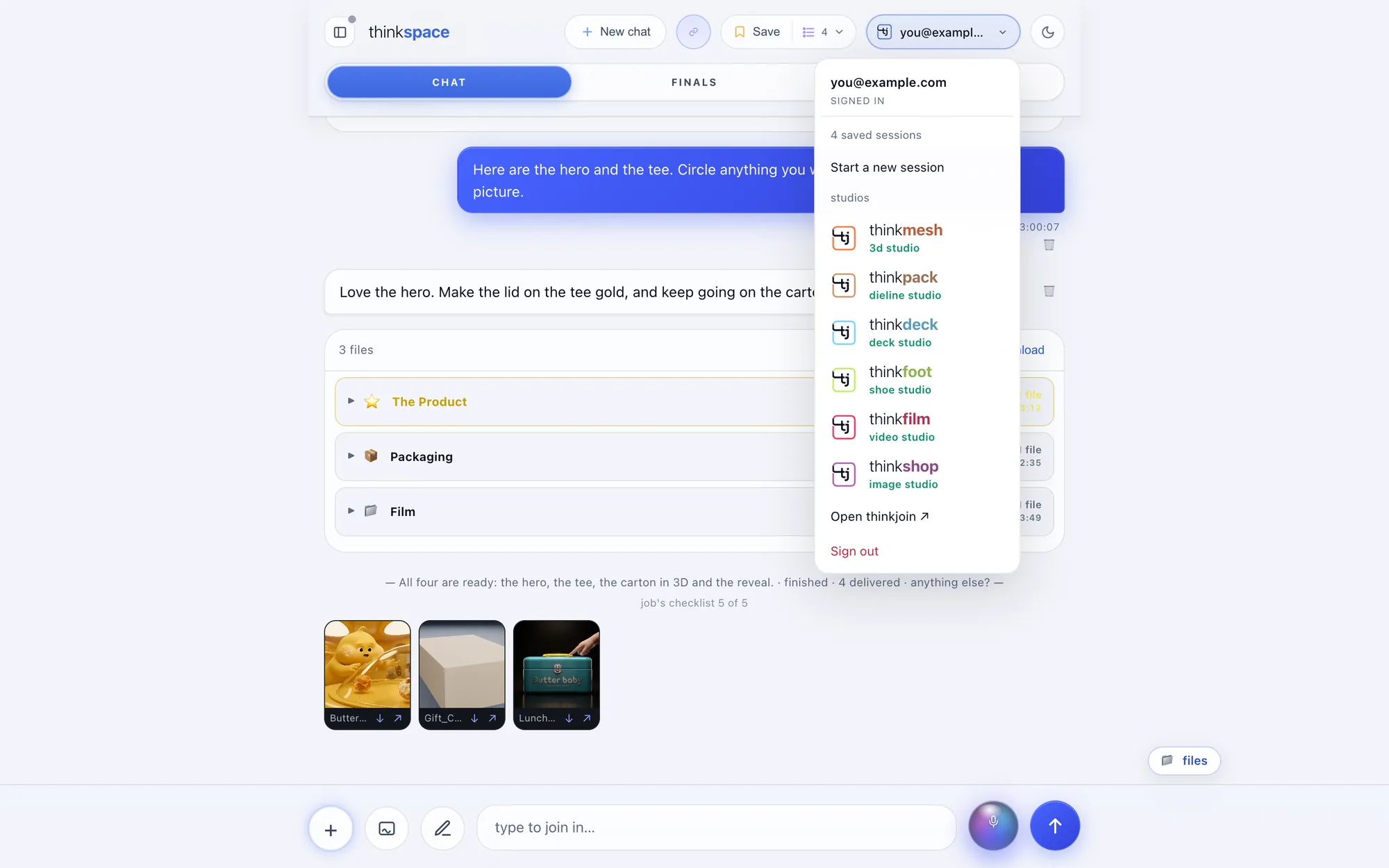
Every delivered file has Edit in a studio right on it, and the menu lists the studios. Keep a studio open in a tab and ask Steve: his edits go straight into it. thinkview and thinklaw sit beside them, each on its own site.
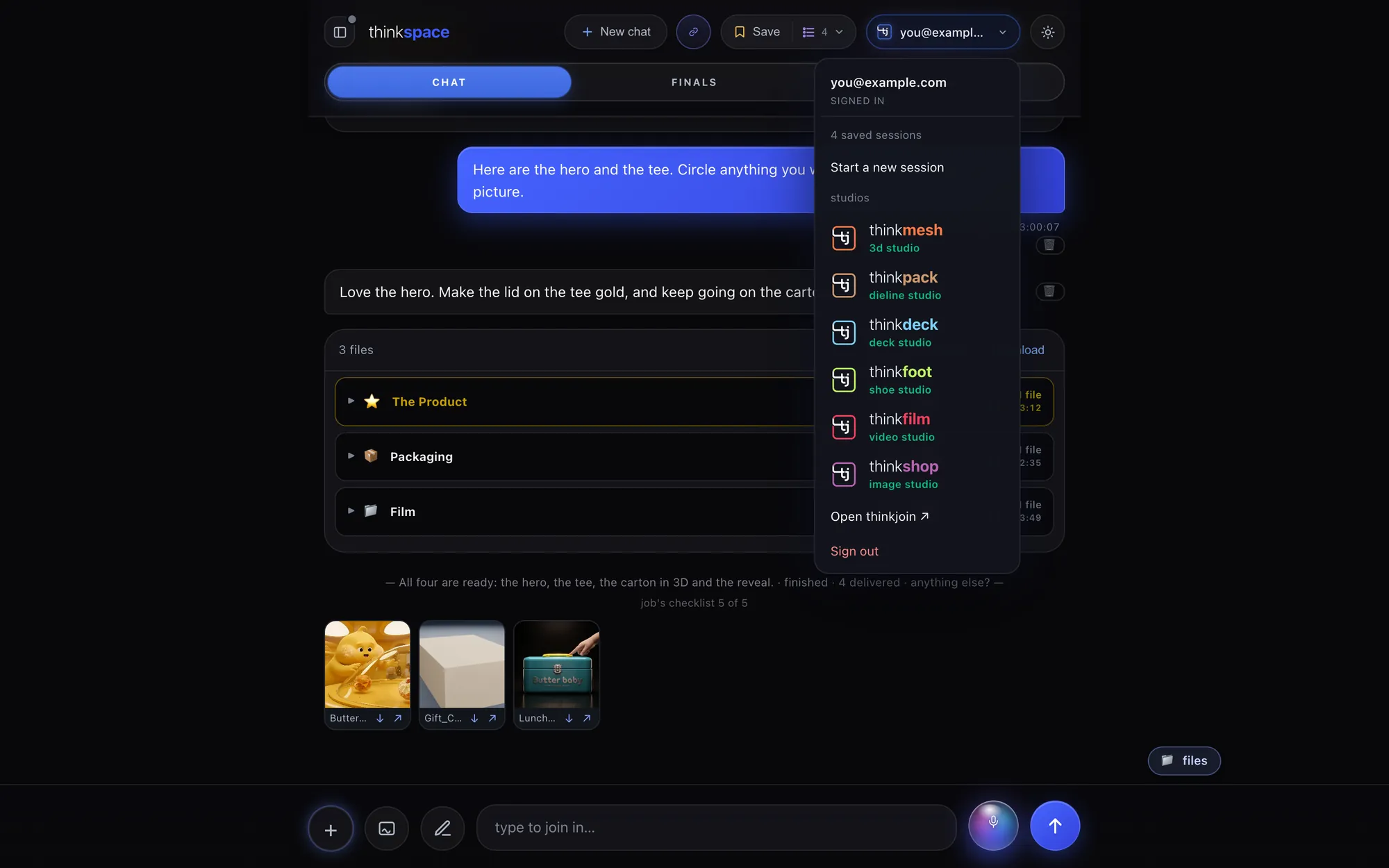
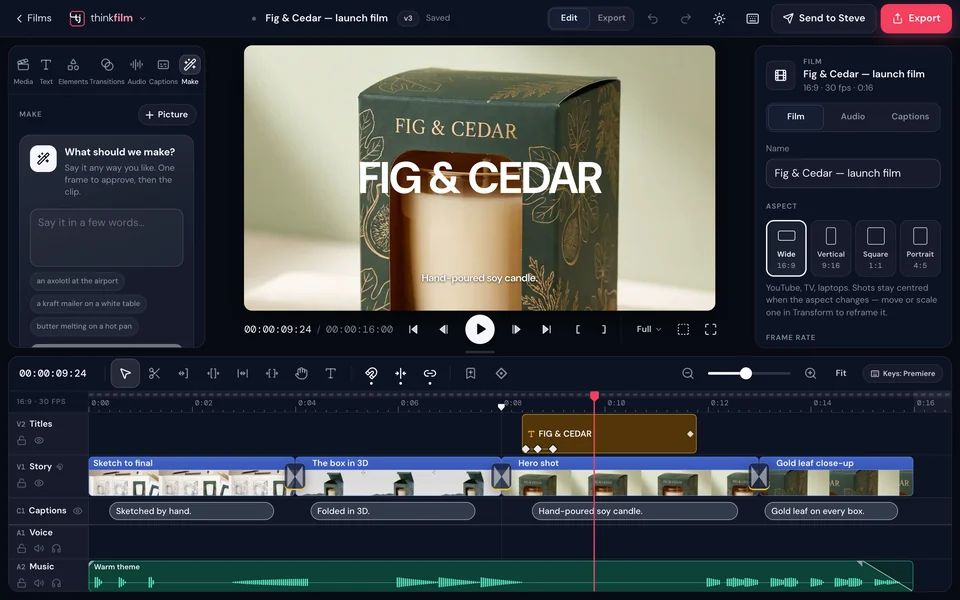
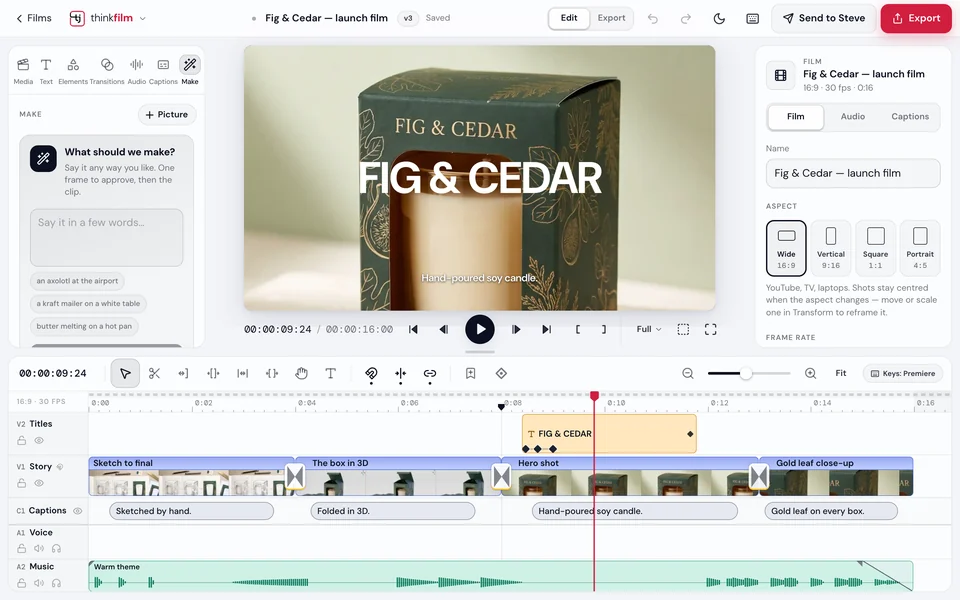 thinkfilmVideo, motion and 3D on one timeline
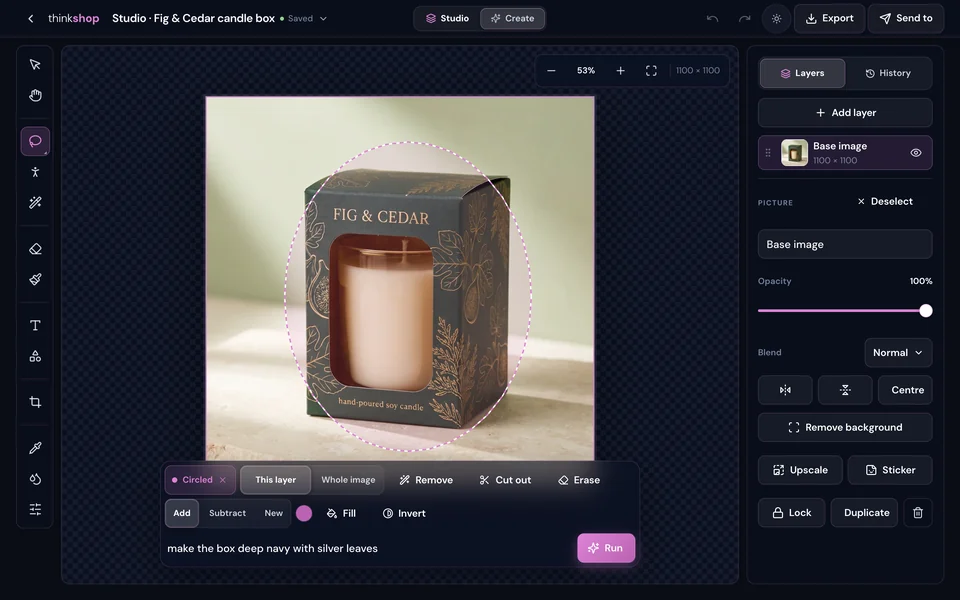
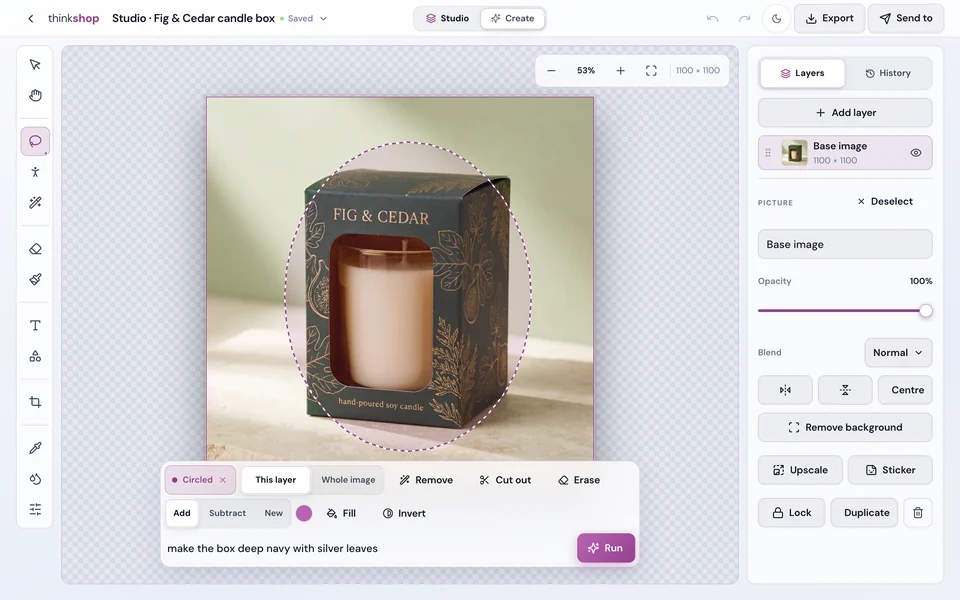 thinkshopPictures, design and AI in layers



 thinkdeckDecks and documents

 thinkmesh3D models

 thinkpackPackaging and dielines



 thinkfootShoes
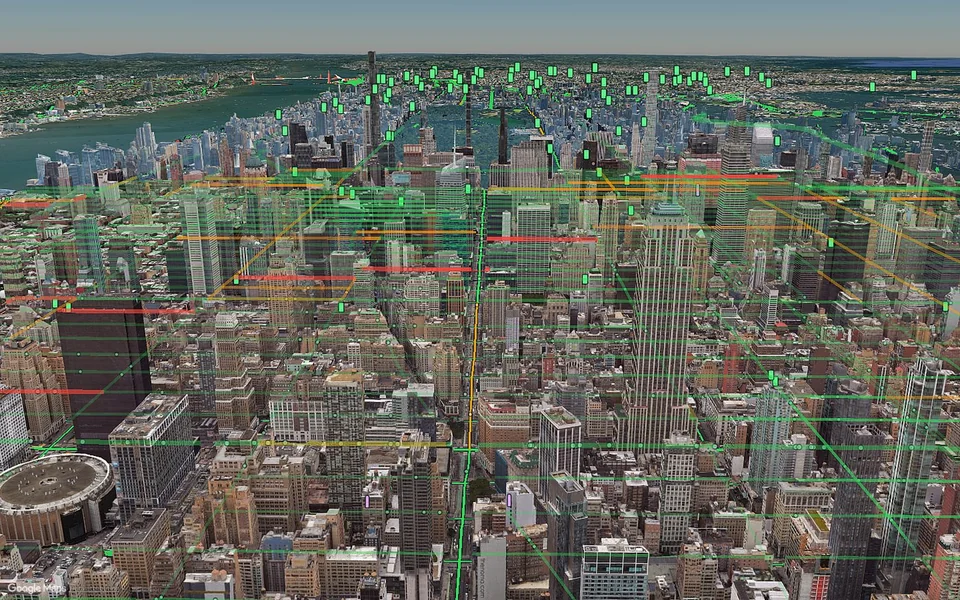
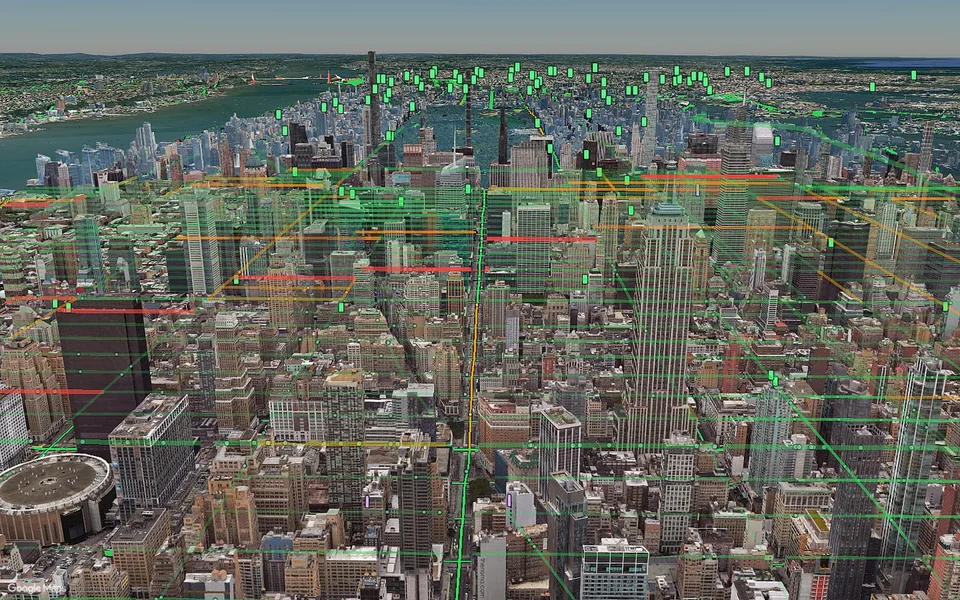 thinkviewthinkview.live · the whole world, live

 thinklawthinklaw.pro · contracts and deals
Home to thinkjoin, out to your team
From your thinkspace, to your Library, to your hive, to the forum.
Finals come home to your thinkjoin Library on their own. From there one tap shares them with your team, and a thread puts them in front of every member.
Your Library on thinkjoin.com

Your finals show up as tiles, Approved or Tentative, with their version. Save a copy, or open it back in thinkspace. A deck opens whole in thinkdeck and goes back as a new version.
Into a hive
A hive is your team's private room, or a shared folder in your Library. The thinkspace shelf sits right under your hives, newest project first.
Onto thinkchat
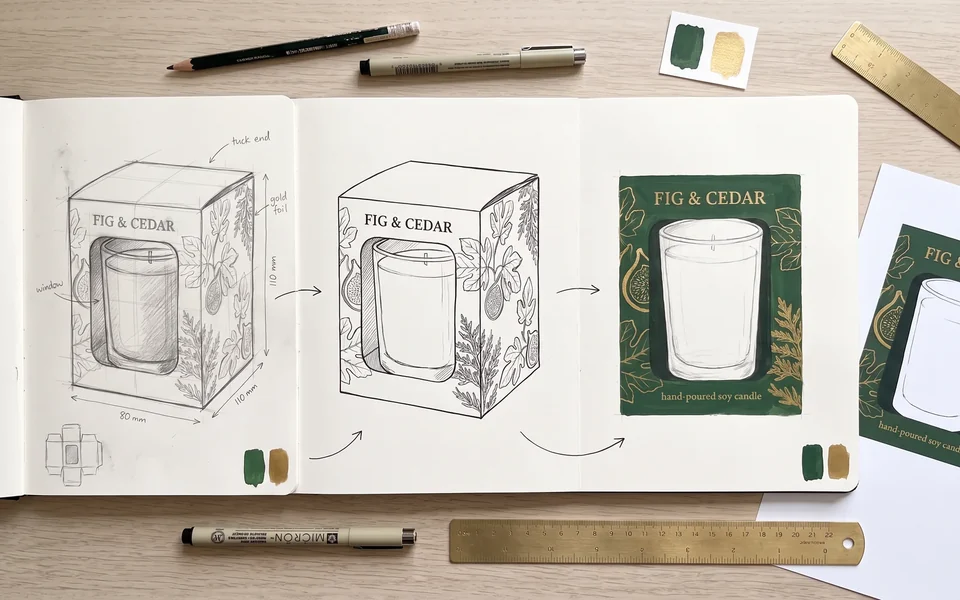 Project 00043 · attached
Post a thread in a community, General, Design, Question, Showcase or Feedback, with a project, a file or a hive attached. Members vote and comment.
Steps 1 to 3 are drawn here as an illustration; the screens above them are the real thinkspace.
Every session, kept
Pick up right where you left off.
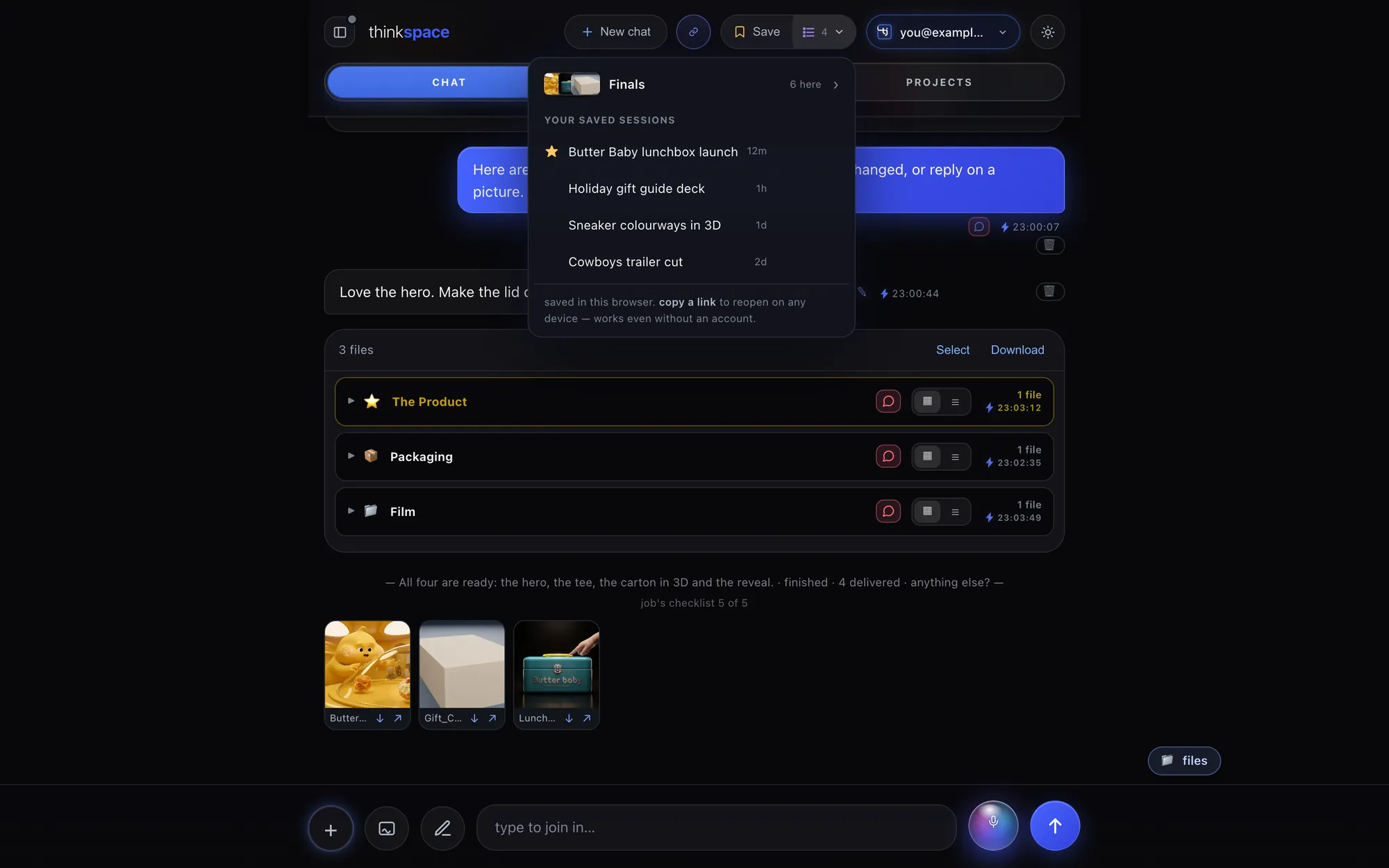
Save a session and it stays in your list, named after its newest project, from every channel you've talked to Steve on. Start a new chat any time; the old one is kept.
- Saved sessionsOne list, every channel linked to you.
- Share a view-only linkA link lets people see and copy; changing anything takes a sign-in.
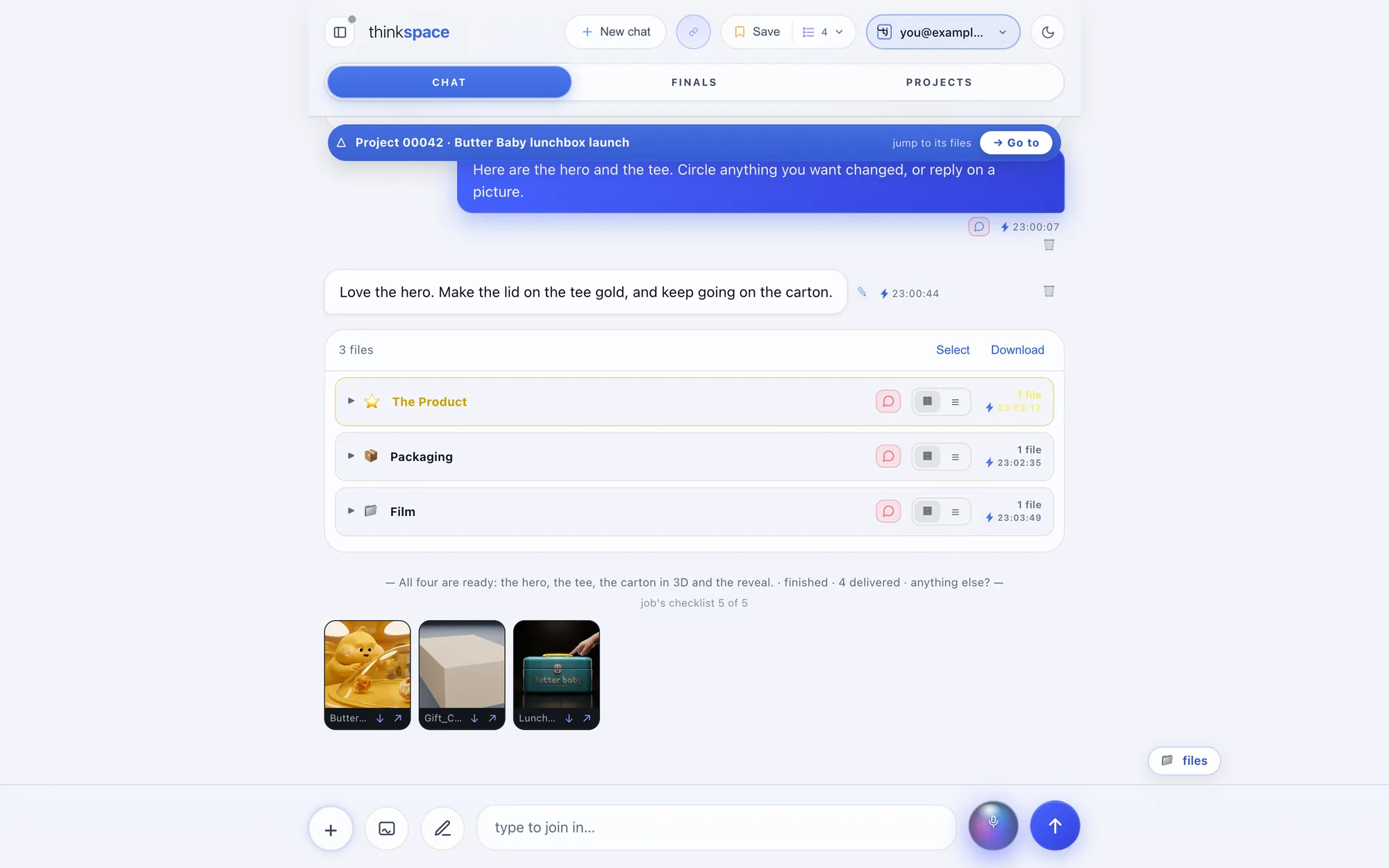
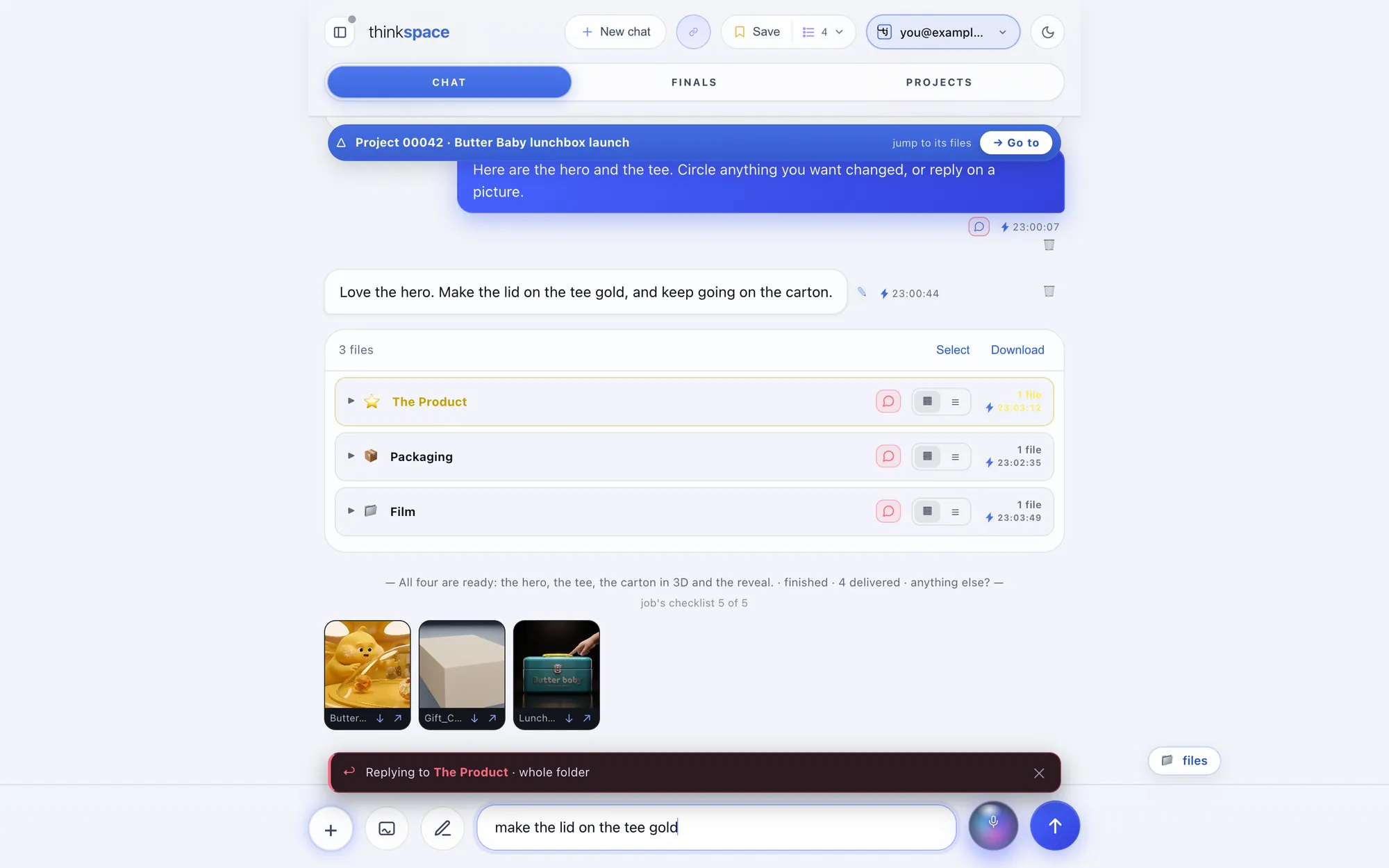
- Light or darkOne tap at the top, on every page.
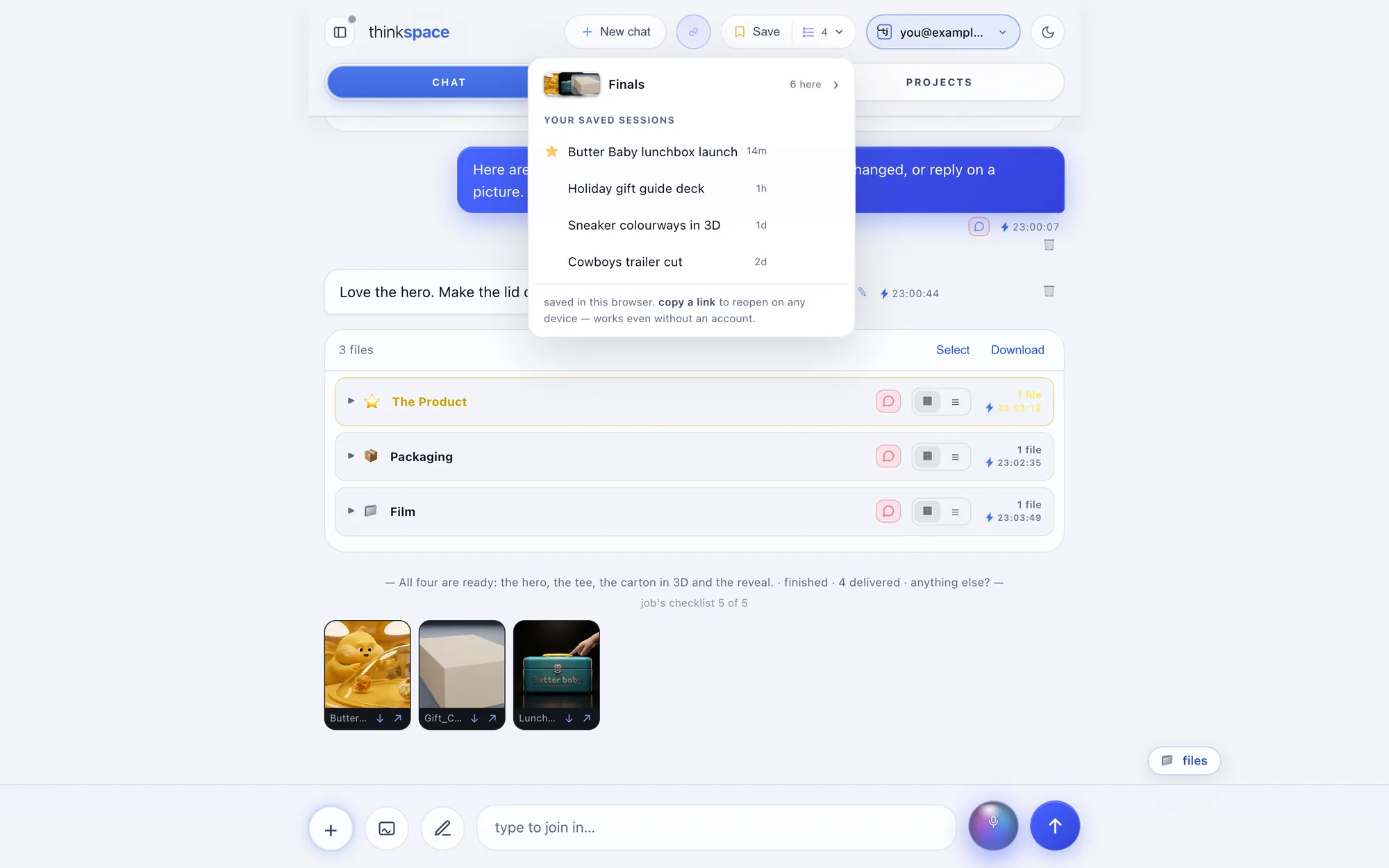
On your phone
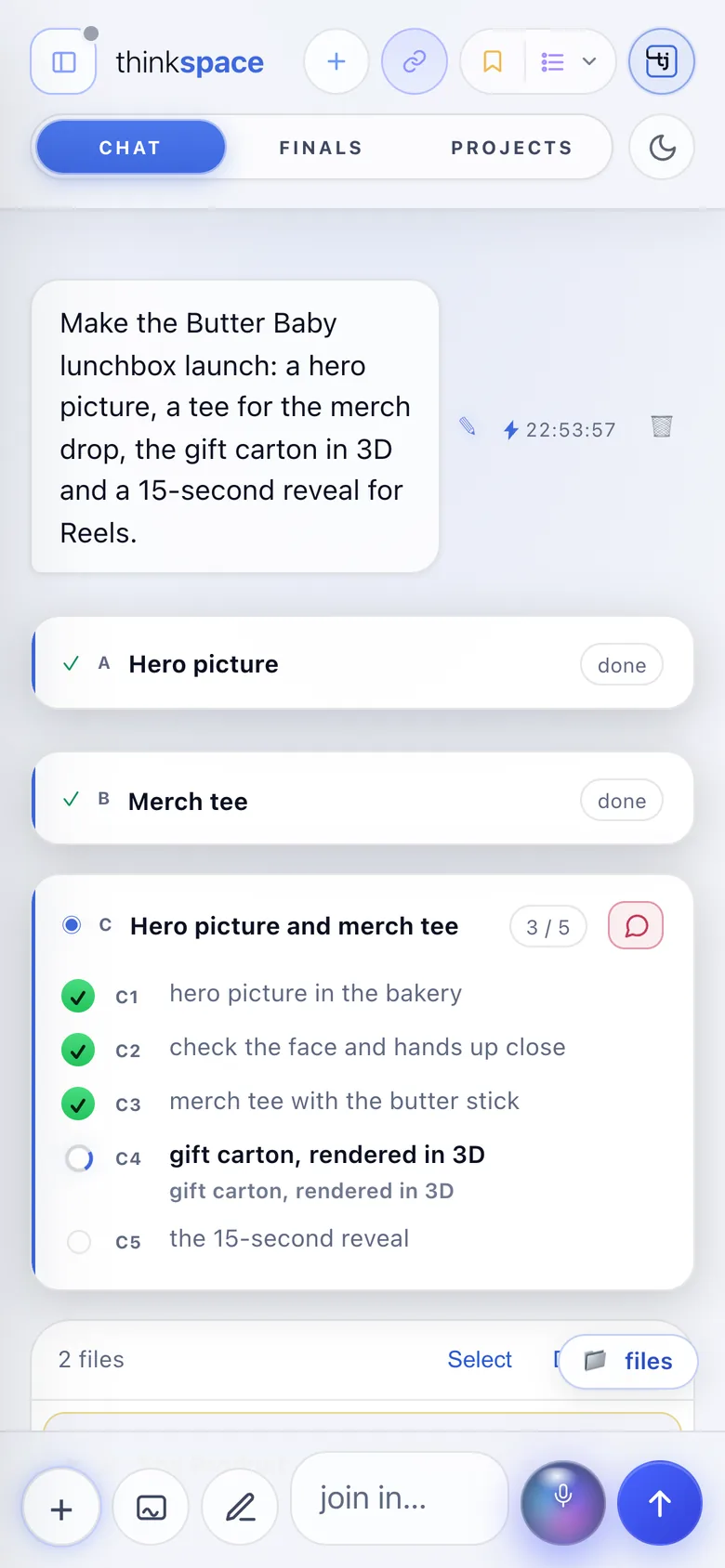
The same thinkspace, in your pocket.
Open the link Steve sends you, sign in, and watch the steps, open the files, and reply with your thumb or your voice.
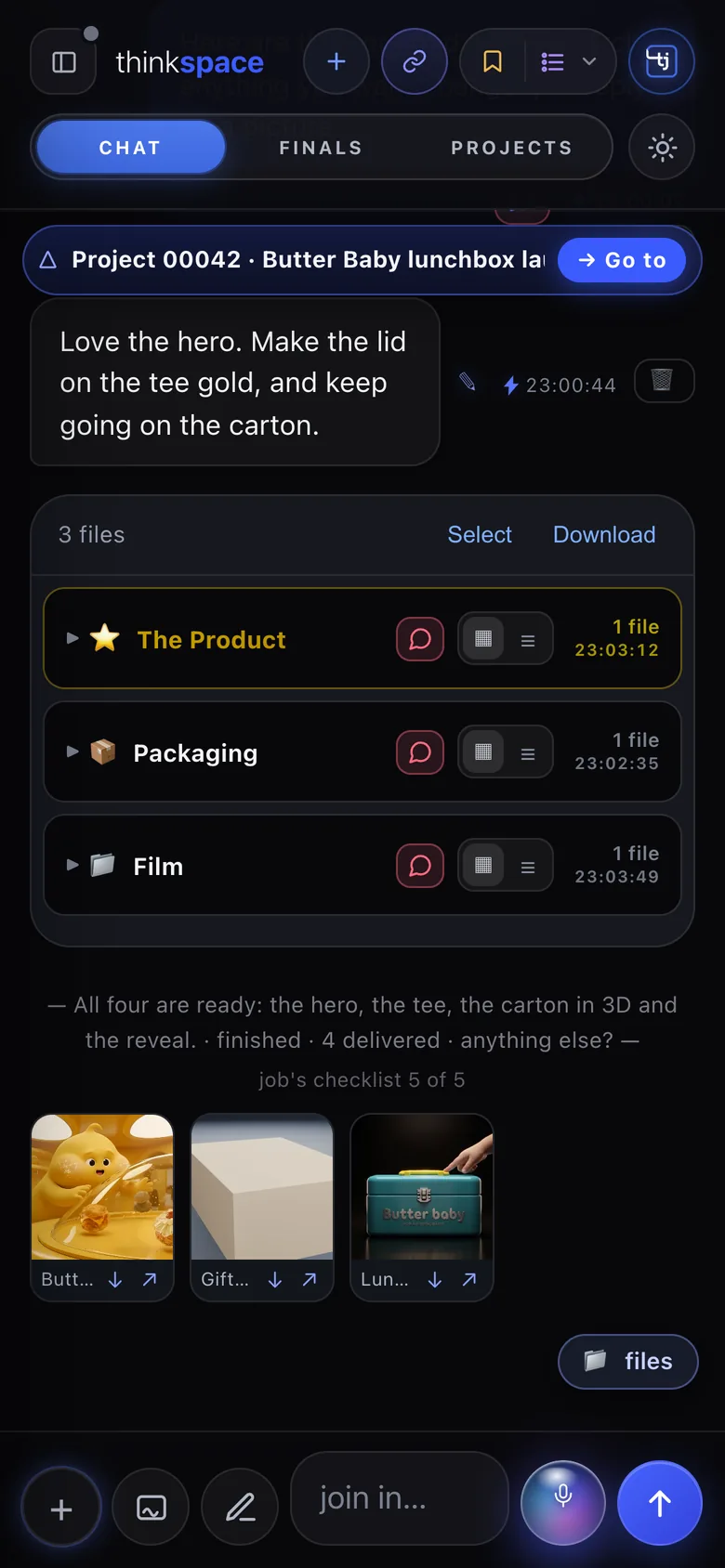
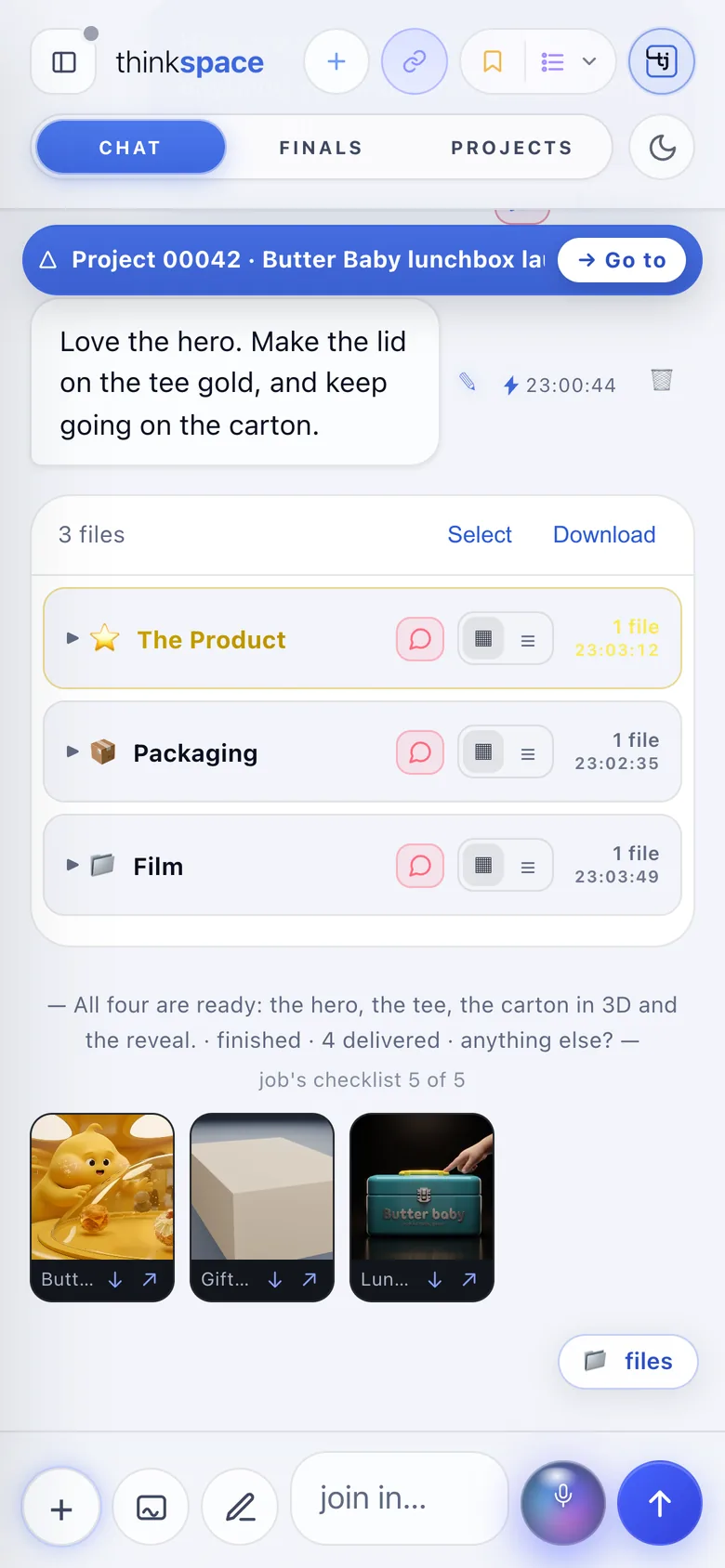
Light and dark
Light or dark. Your call.
Drag across to see both.
DarkLight
Ask once. Watch it happen.
Create your thinkjoin account, then ask Steve for anything. Your thinkspace is waiting at thinkspace.place/yourname.